Approve custom
offers
Bi4OfferApp – creates a bidding system
that you send to your customers.
How to improve bid control?
If you work with larger offers for individual customers, it is good to have the materials/information in one place. Our application is used to register and manipulate documents that result in offers such as demand, internal calculation, the wording of the contract, … Executives then have easier control over what they sign. The app can go back to history and reliably illustrate how the offer documents have evolved and who added comments.
Main features of the product:
maximum simplicity
a single place for business offers
approval of individual steps by internal users – trader, engineer, managing director
user comment record – non-returnability of key steps
possibility to return to an older version of the entire offer – no need to solve versions of individual documents
works on the principle of a workflow – through individual users with the transfer of responsibility
works on Microsoft Power Platform and Office 365
operation on all devices – PC, tablet and mobile – and on all current operating systems
Steps in application
Selection of offers
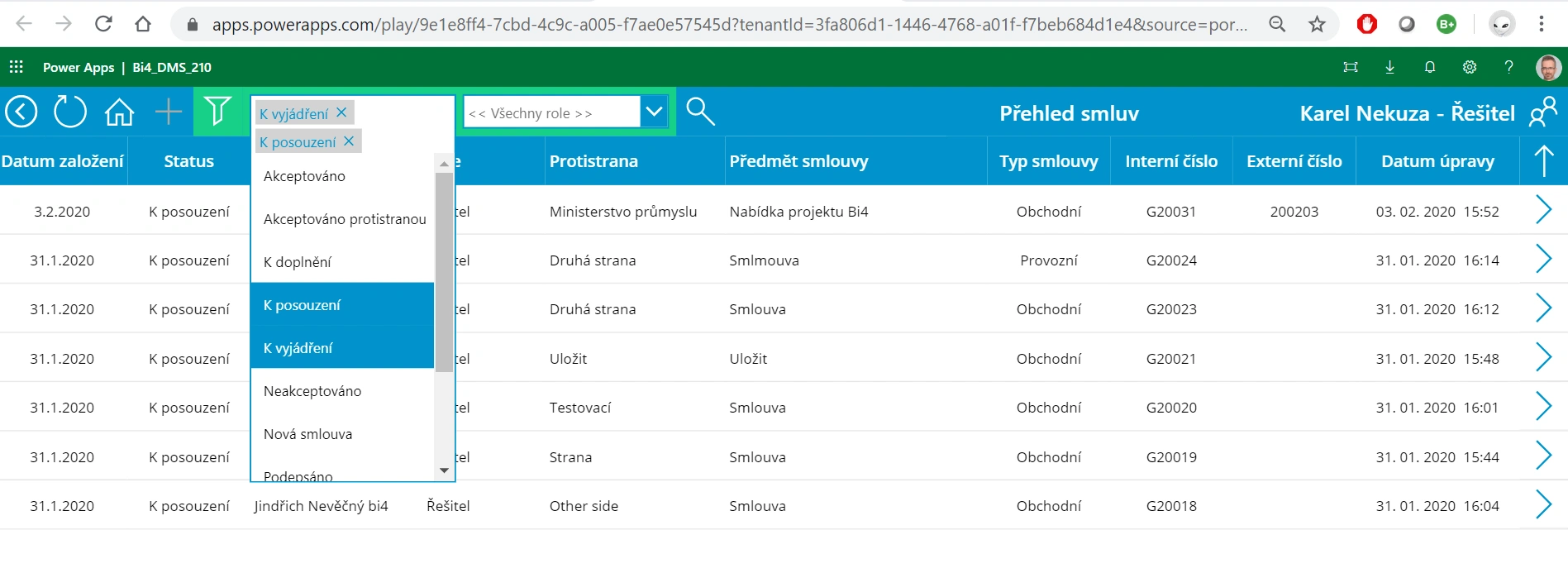
Selecting an offer for processing. Users can use an advanced filter to quickly navigate the list of offers. If authorized, they can create a new offer. The list serves as a useful overview for managers to assess the status of each offer, whether it is awaiting approval, creation, or submission.
Modification of offer
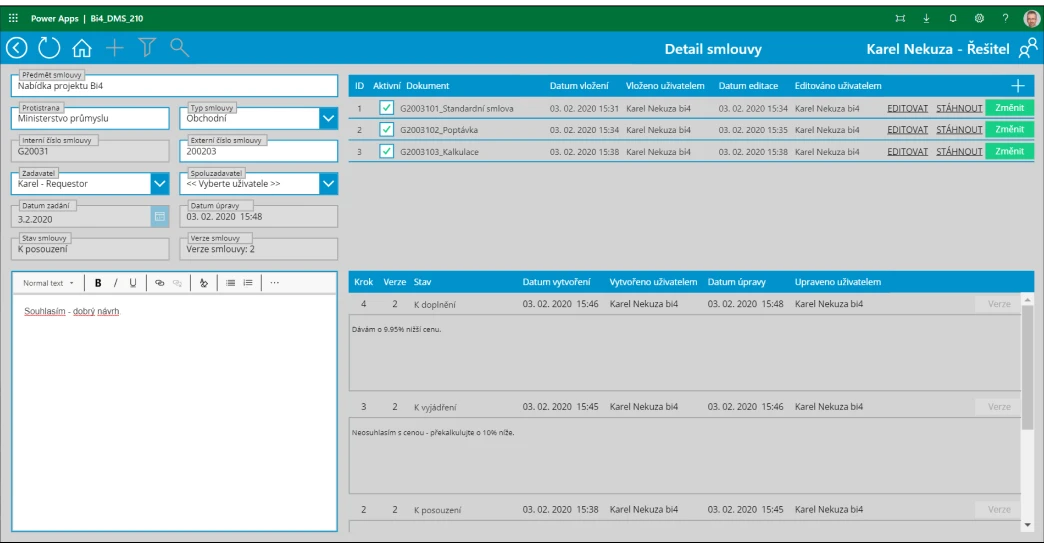
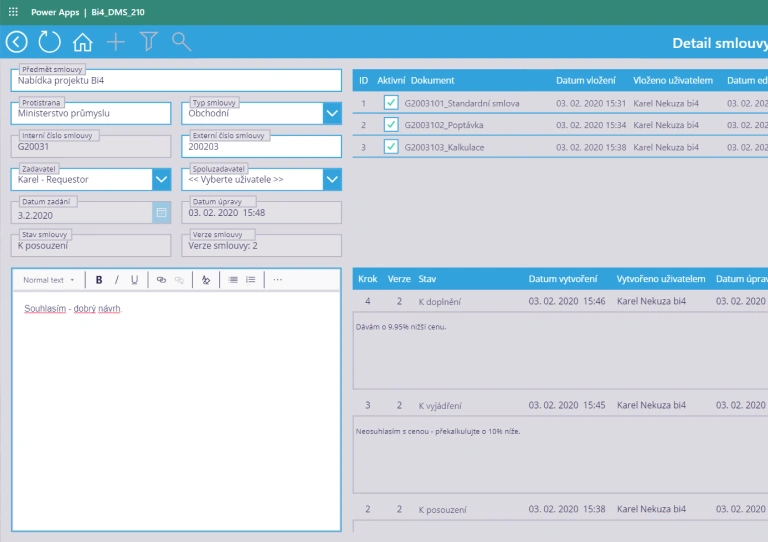
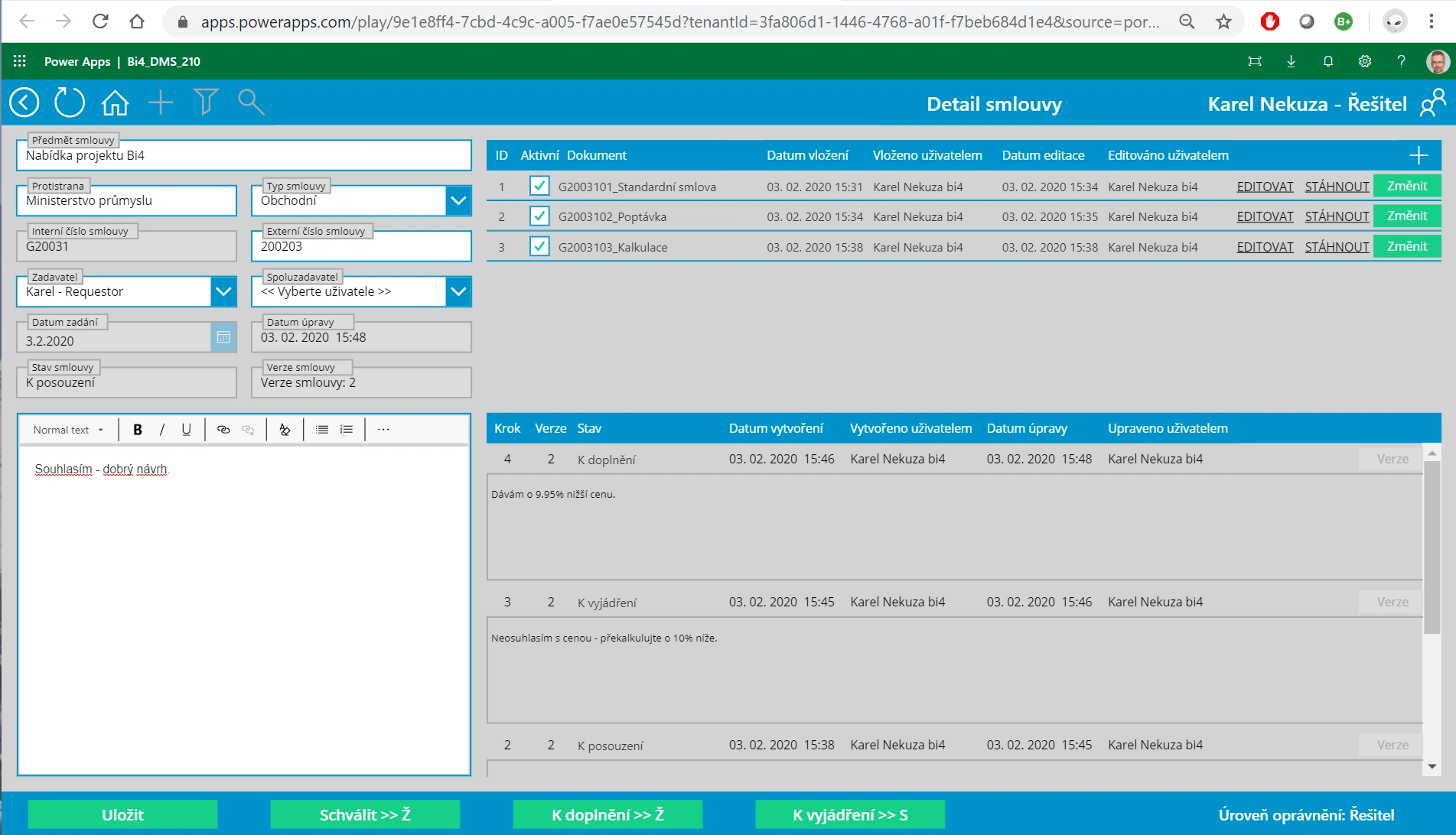
The user fills in the main details of the offer on the left-hand side. On the right-hand side, they upload individual documents, which are added to the document set. After each change, it is necessary to write a comment, which is displayed to all participants within the company in the form of individual versions. In the list of versions, it is possible to select and return to a previous version.
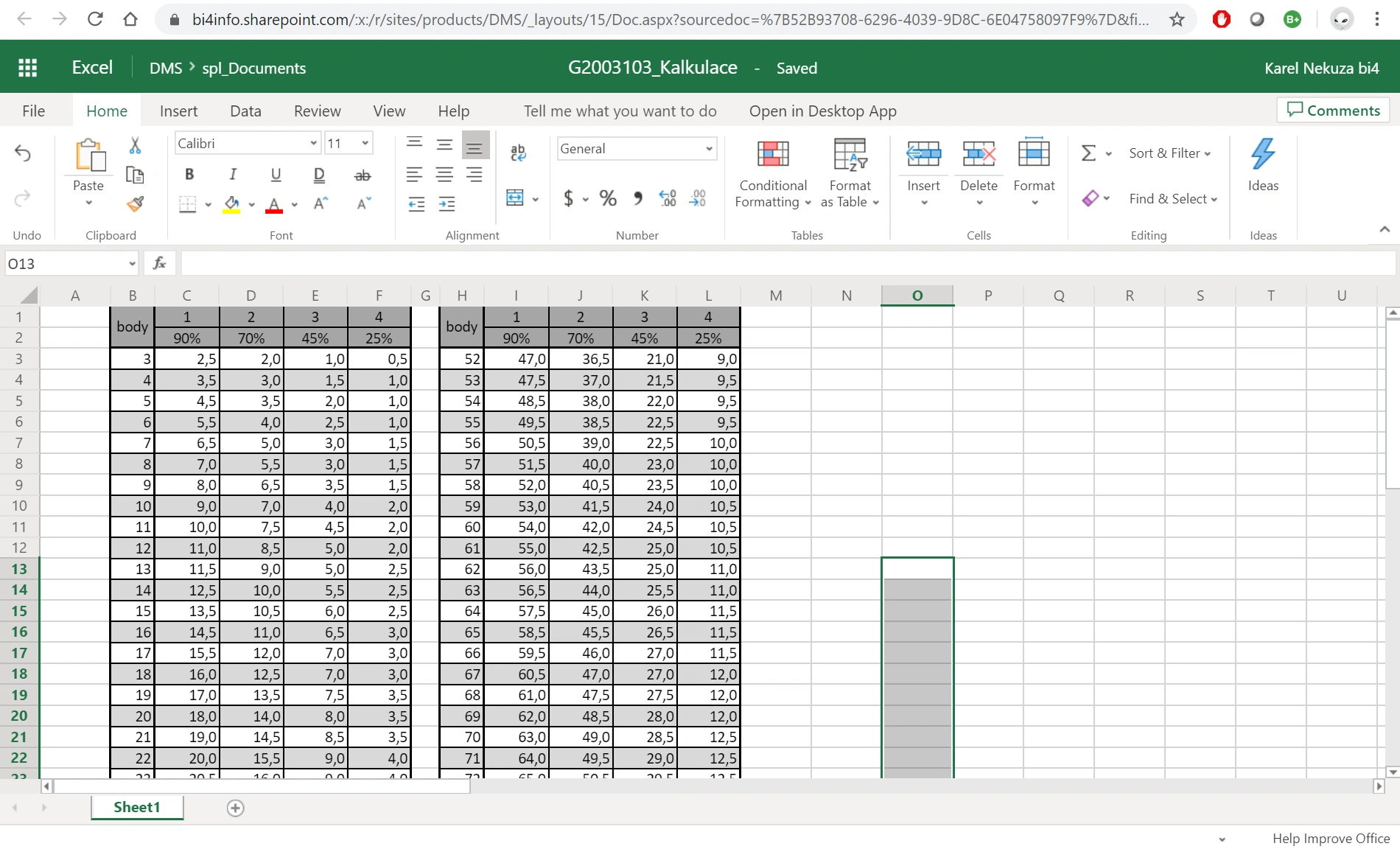
Editing an individual document
With a single click, you can edit all documents in an entire file set. Editing takes place directly in Office 365—in your browser window—and the entire set is automatically saved, along with individual document versions. Documents are stored in SharePoint Online.
Reference
Ms. Hrabětová highly praises the solution chosen by Bi4, as she appreciates the clarity of the entire solution. She can easily find everything she needs, her invoices are in one place, and she knows their status. In addition, this data is always available to her, and she can work with it whenever she needs to. At the same time, she saves a significant amount of time by using the application for approving incoming invoices.
Renata Hrabětová
Develop TEC

Are you interested in a demo?